Record what cannot be predicted
Witnessy records up to 31 days of audio in a loop, so you can go back to a moment that just happened, and keep it permanently.




Go back to the moment that matters
You have access to the last hours and days, even if you did not record anything manually.
Instant moment recovery
Open the app, go back to the selected moment, and save exactly what you need.
Privacy without compromise
Recordings stay on your device. You decide what to save and what to delete.
A modern tool for documenting what cannot be predicted
Instead of relying on luck, you have a system that runs in the background and lets you return to important moments when you truly need them.
Loop recording of the last 7 days
The app continuously keeps the latest part of your audio history. When something important happens, you can go back to a specific moment and save it permanently.
Intuitive to use
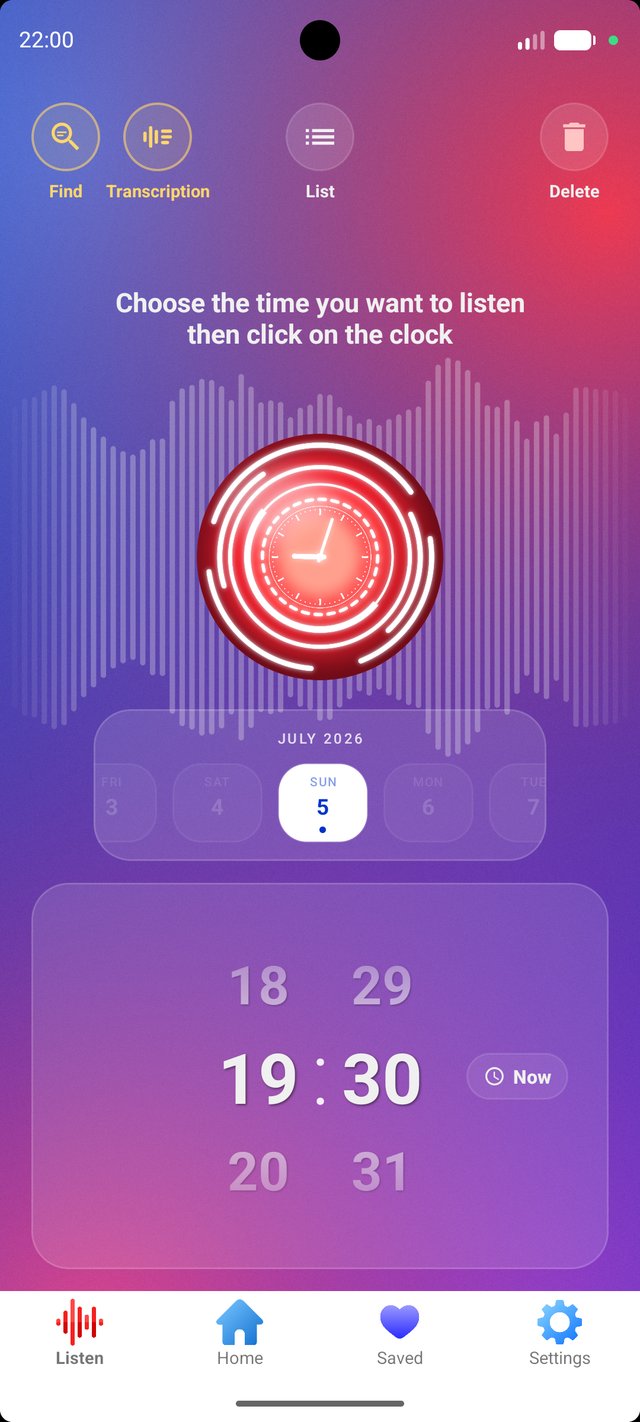
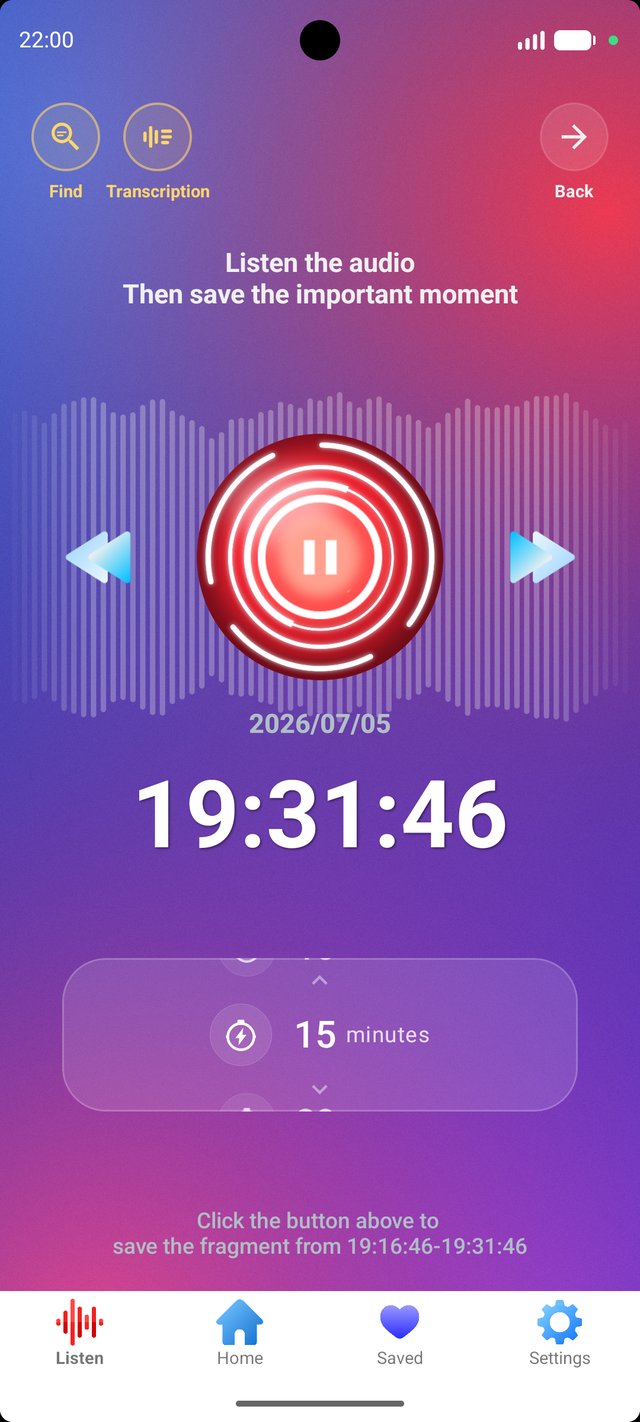
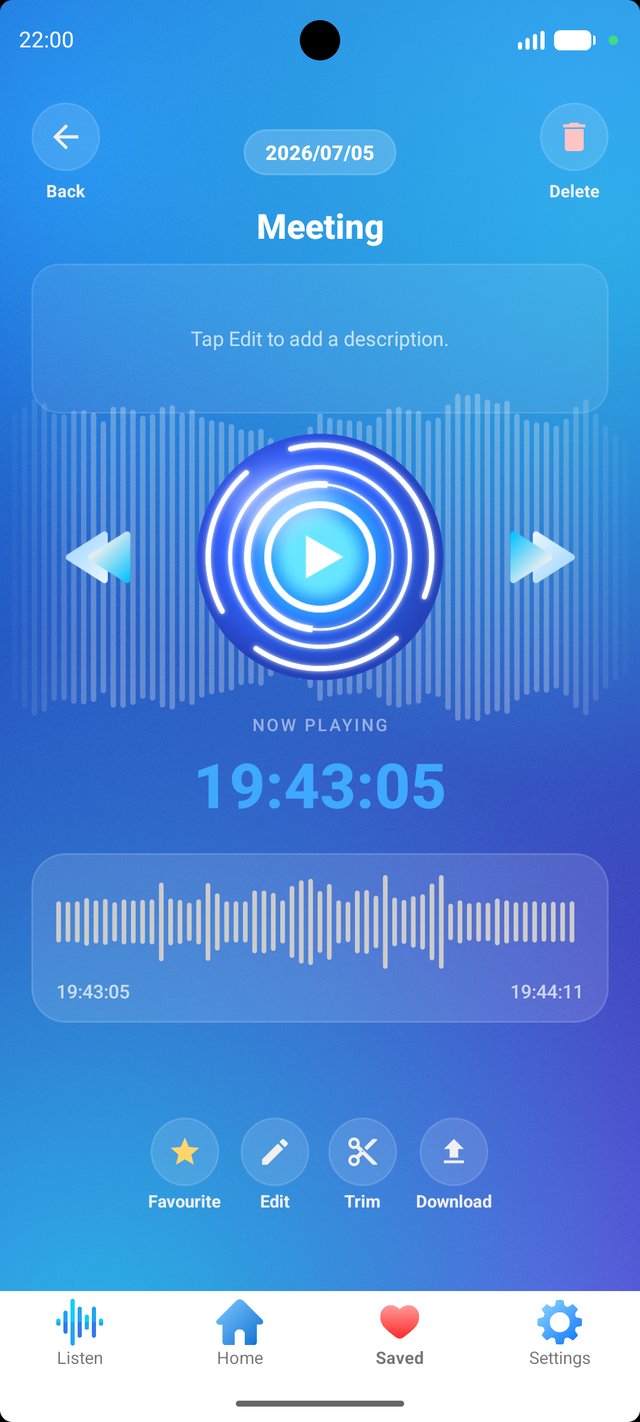
Pick a time, listen to the moment, and save it to your archive. No complicated steps.
Complete user privacy
Your files stay on your phone, so you remain in control of access, deletion, and storage.
4 simple steps to secure important moments
The whole process is designed so you do not have to react instantly. Witnessy works beforehand, and you return to the moment later.
Turn on listening
Once launched, the app starts recording audio in a loop.
Use your phone normally
Witnessy runs in the background, so you do not have to keep the app open on screen.
Go back to a specific moment
When something important happens, open the app and return to the selected time.
Save the clip permanently
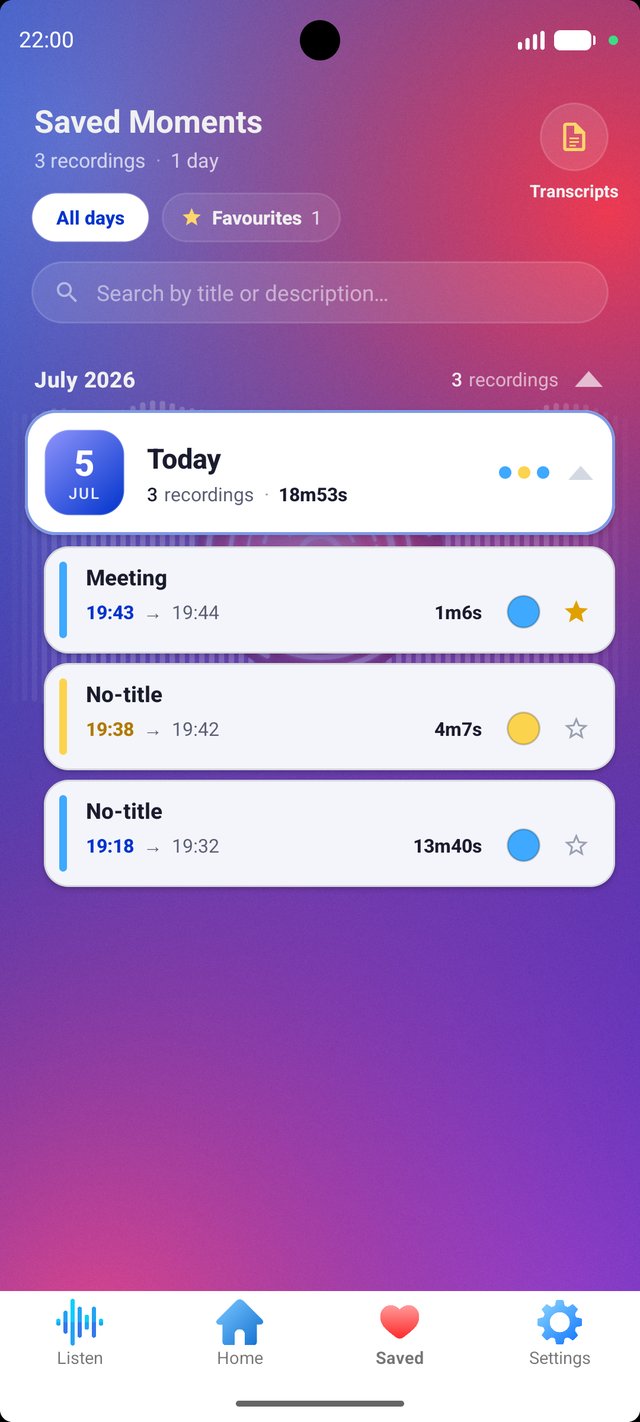
The selected material goes to your archive, where you can manage it easily.
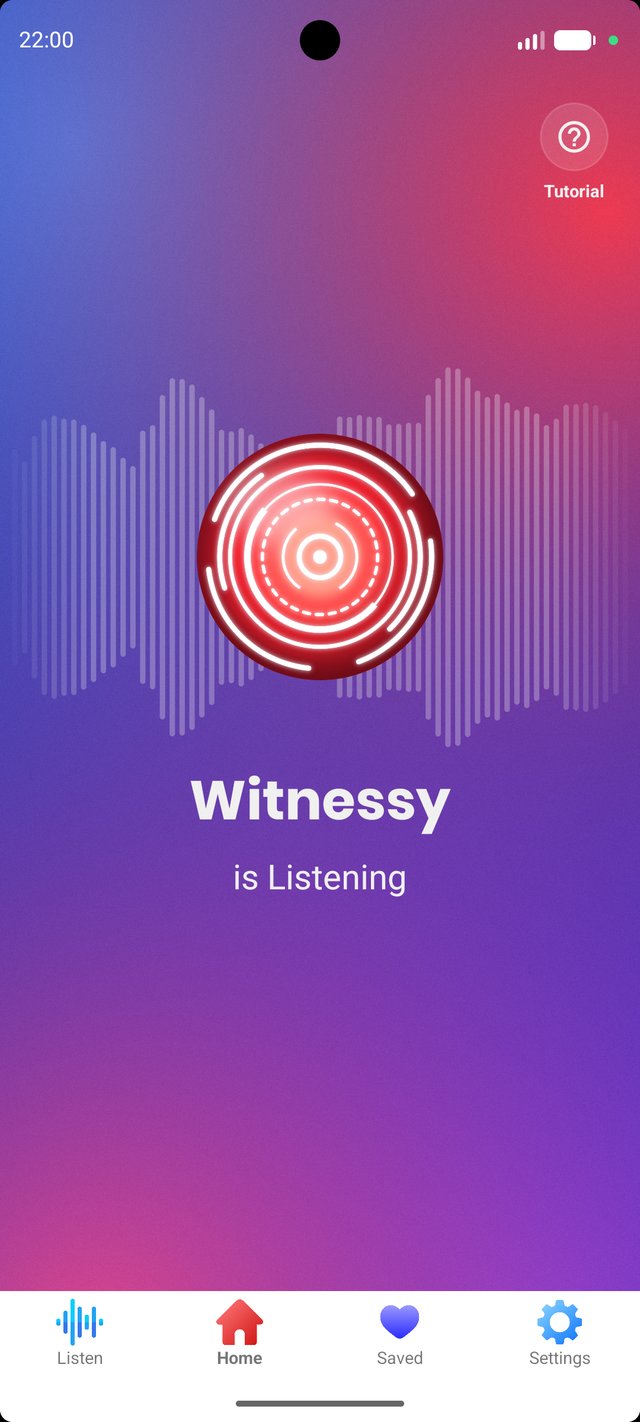
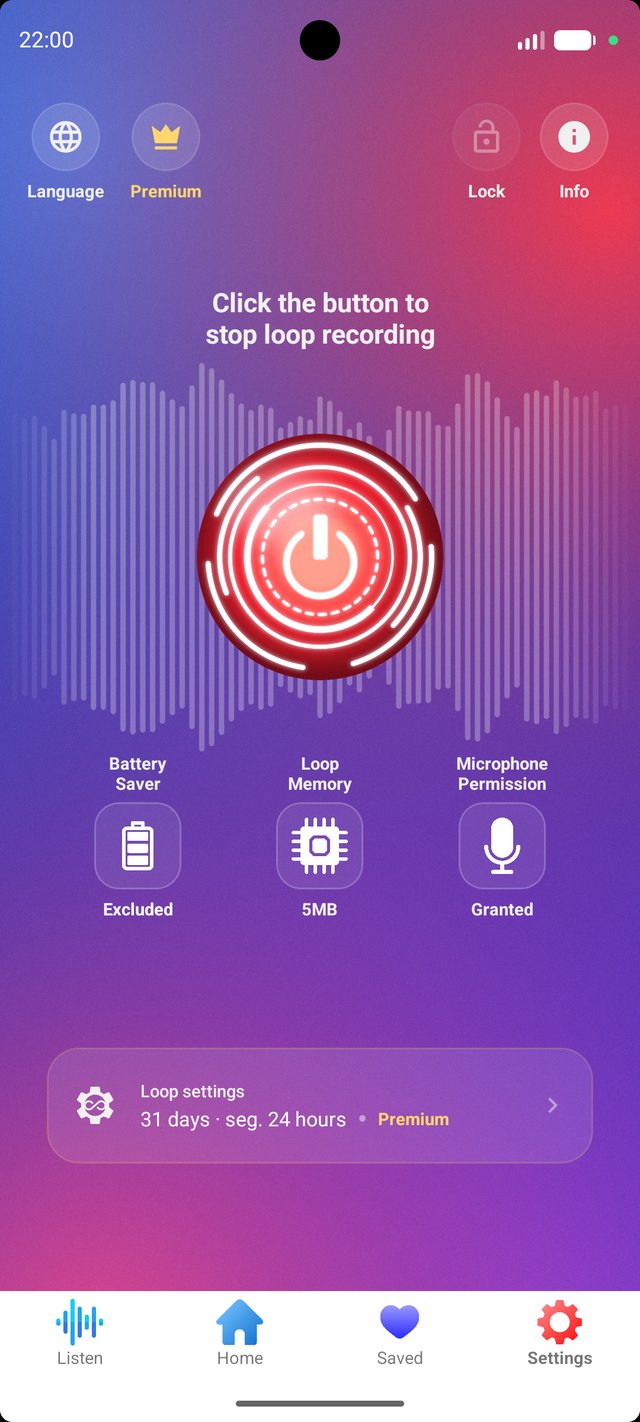
See Witnessy in action
A simple interface, a clear timeline, and quick access to saved recordings.
Frequently asked questions
Is Witnessy free? +
Yes. You can use Witnessy completely free of charge. The free version includes 24 hours of audio history and all the essential features you need to capture important moments.
If you need more, you can upgrade to Witnessy Premium, which extends your audio history to 31 days and unlocks transcription and keyword search.
Does it work after closing the app? +
Yes. Once the loop is started, Witnessy can continue running in the background until it is turned off.
Does it record phone calls? +
No. The app does not record phone calls.
What is the battery usage like? +
It depends on the device and system settings, but tests show that after 24 hours of operation it may use around 6–10% of battery.
What should I do if background recording stops? +
In most cases, excluding the app from battery optimization in Android settings helps.
Will there be an iPhone version? +
At the moment, iOS does not allow this type of background app behavior, which is why Witnessy is available on Android.
Is continuous recording legal? +
That depends on the country and local laws regarding privacy and consent to recording.
The user should make sure they are using the app in compliance with the laws that apply in their jurisdiction.
Start documenting reality when it truly matters
Download Witnessy and keep the history of the last moments within reach, before they disappear forever.